 Rindraw
 for iPhone
The same drawing and painting app as on iPad and Mac, in your pocket, and in the same purchase.
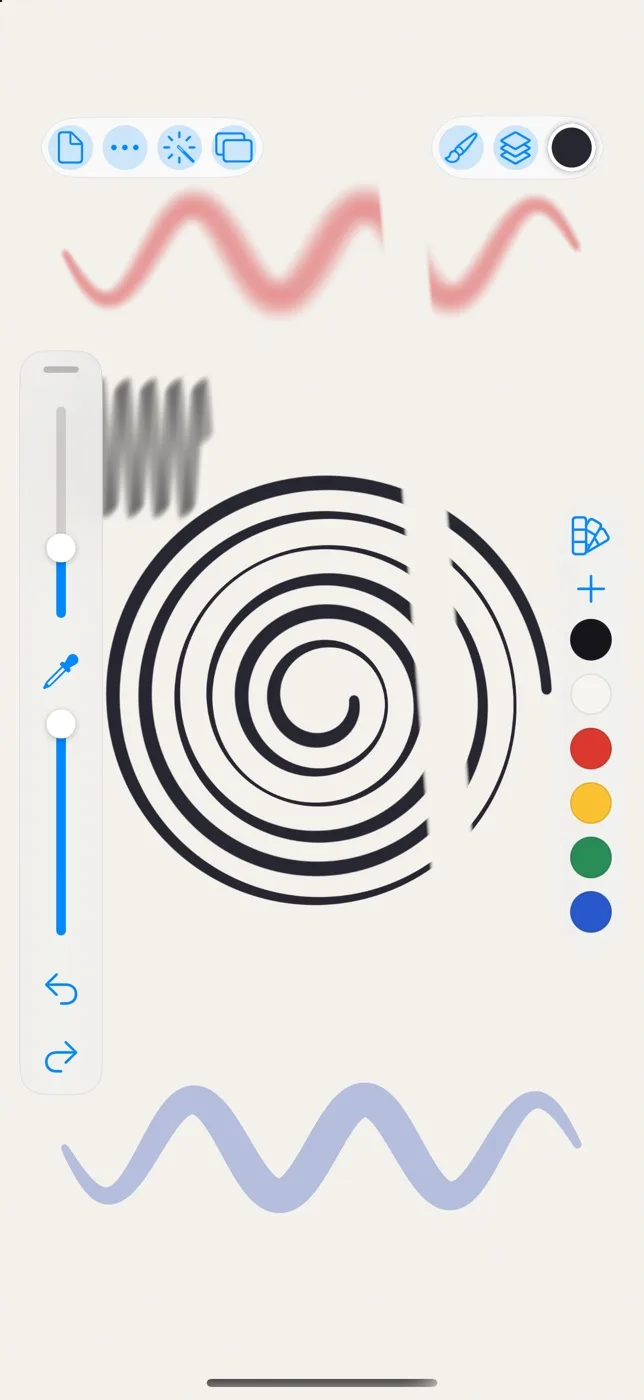
The canvas comes first
On iPhone, Rindraw's tools sit along the edges of the screen, so the drawing gets the room. The gestures are the ones you know: tap with two fingers to undo and three to redo, and pinch to zoom and turn the canvas.
Your iPad's drawings, on your phone
With your library in iCloud Drive, the drawing you were working on at your desk is on your iPhone when you leave, with the same brushes and palettes. Sketch on the train, then finish it on the iPad.
Every stroke stays a stroke
A line you draw on your phone stays the path you drew. Recolor it, bend it or export it bigger later, on any of your devices, and it stays sharp.
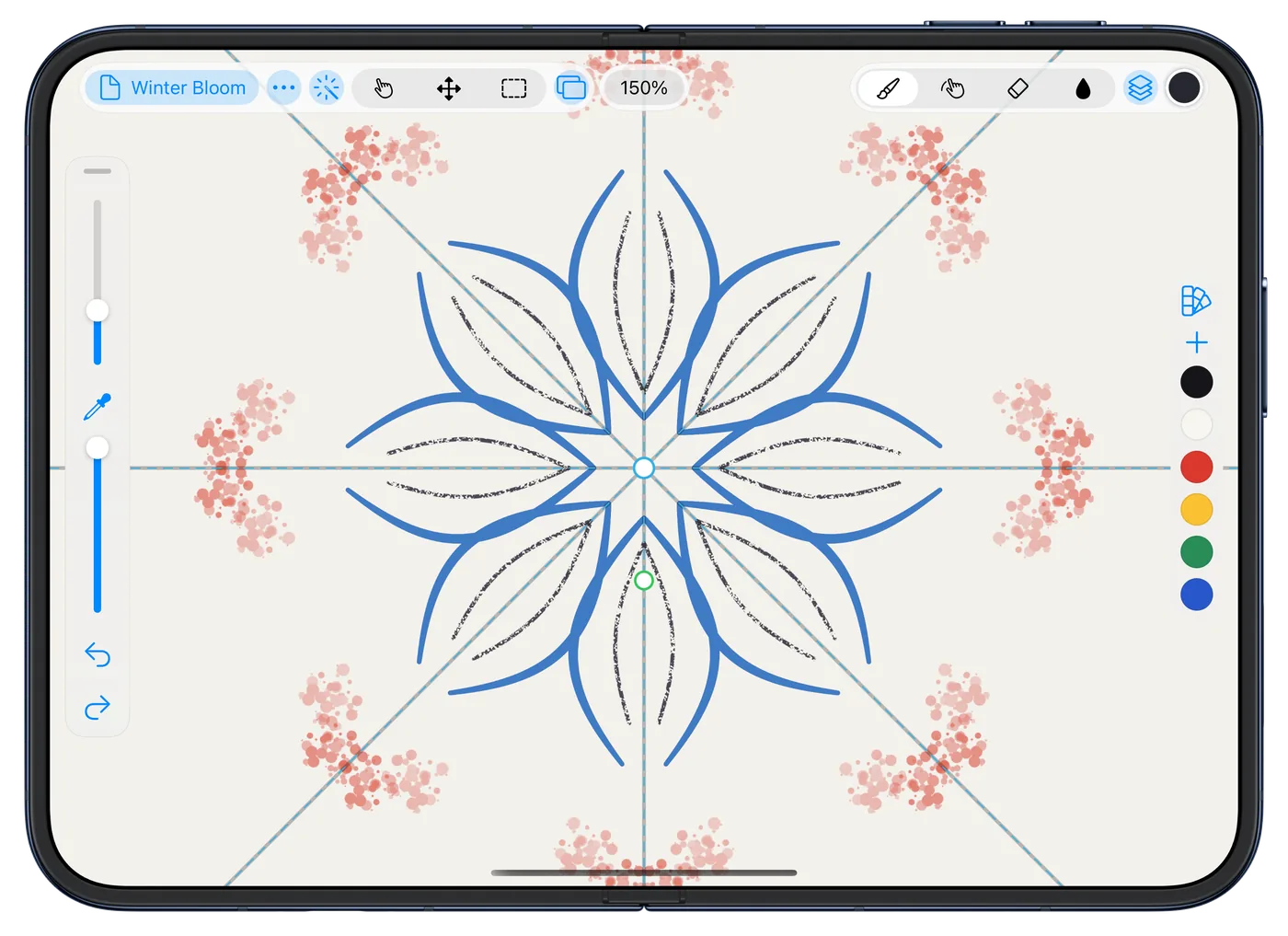
On iPhone Duo, a full canvas
On iPhone Duo, open the phone out and the canvas opens out with it. More on Rindraw for iPhone Duo, or on drawing on the new iPad mini, the smallest iPad.
Compared with Procreate Pocket
Procreate's iPhone app, Procreate Pocket, is a separate purchase from Procreate for iPad, and there's no Mac version yet. Rindraw's iPhone app is the same purchase as iPad and Mac. More on how they compare.
What you need
An iPhone with iOS 16 or later.
$12.99 once, for iPad, iPhone and Mac. No subscription.


