 Rindraw
Drawing on iPhone Duo with Rindraw
iPhone Duo is on sale now. Open it, and Rindraw opens out with it: a 7.6-inch canvas with the tools around its edges, in the same app and the same purchase as on iPad and Mac.
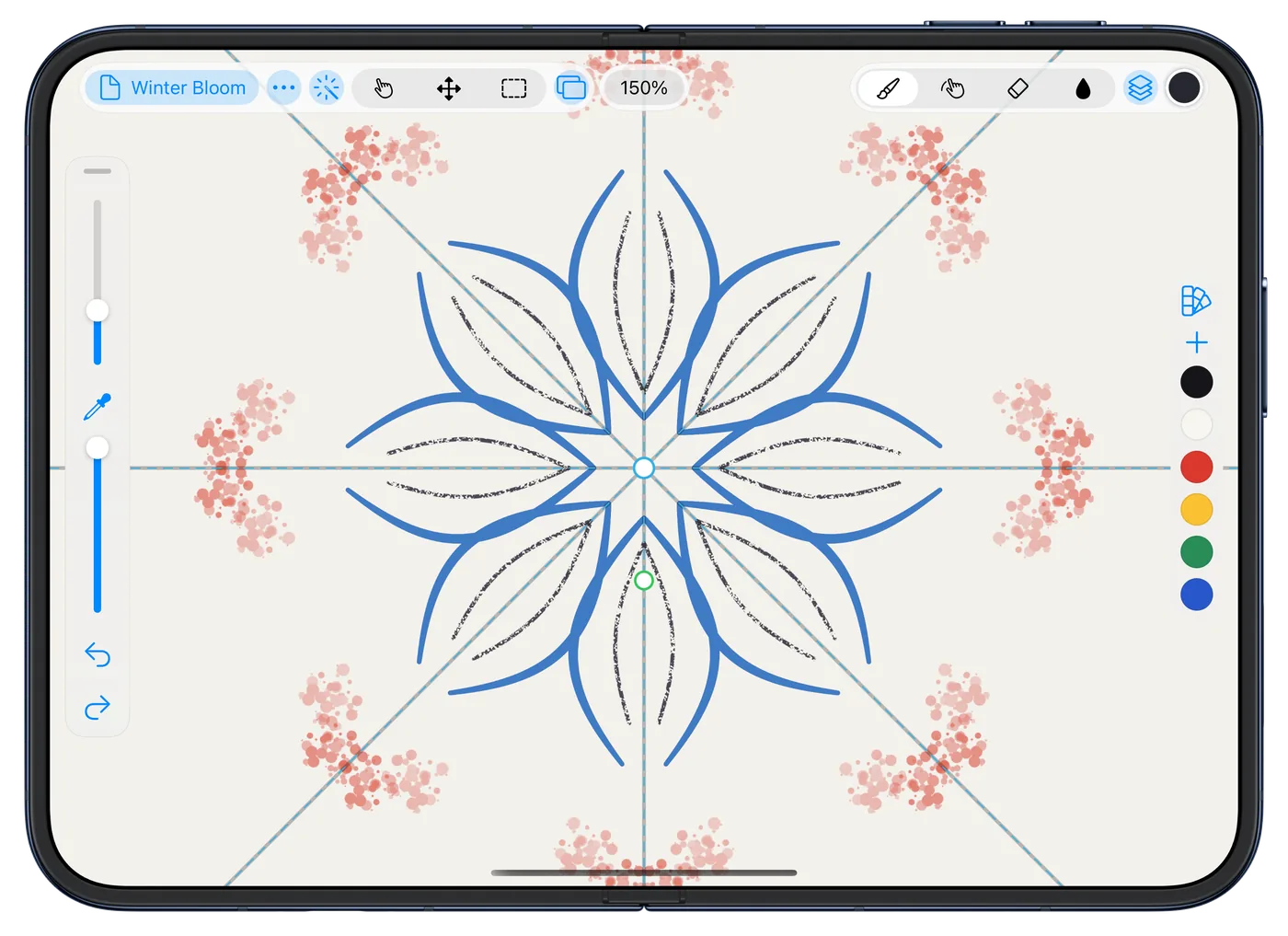
Open the phone, and the canvas opens out
Unfold iPhone Duo and Rindraw lays itself out again for the inner screen, your drawing as it was. Fold it, and it moves back to the outer screen's layout. There's nothing to save first: every stroke is saved as you draw it.
Folded, the canvas still comes first
On the 5.4-inch outer screen, the tools sit along the edges. iPhone Duo keeps a column for its camera down one side, and Rindraw puts its side bar or its color strip in that column, so the canvas keeps the room.
Draw with Apple Pencil or a finger
From iOS 27.2, iPhone Duo works with Apple Pencil (USB-C), on both screens2. That Pencil doesn't sense pressure, so Rindraw makes pressure from how you draw: slow and upright presses hardest, and a quick flick lifts off, as a brush does in the hand. A finger gets the same, so your strokes swell and taper either way. Which Pencil, pairing it, and what it can't do.
Once a Pencil has drawn, fingers stop drawing, so the hand holding it can rest on the screen. To draw with both, turn on Draw with Finger in the ⋯ menu.
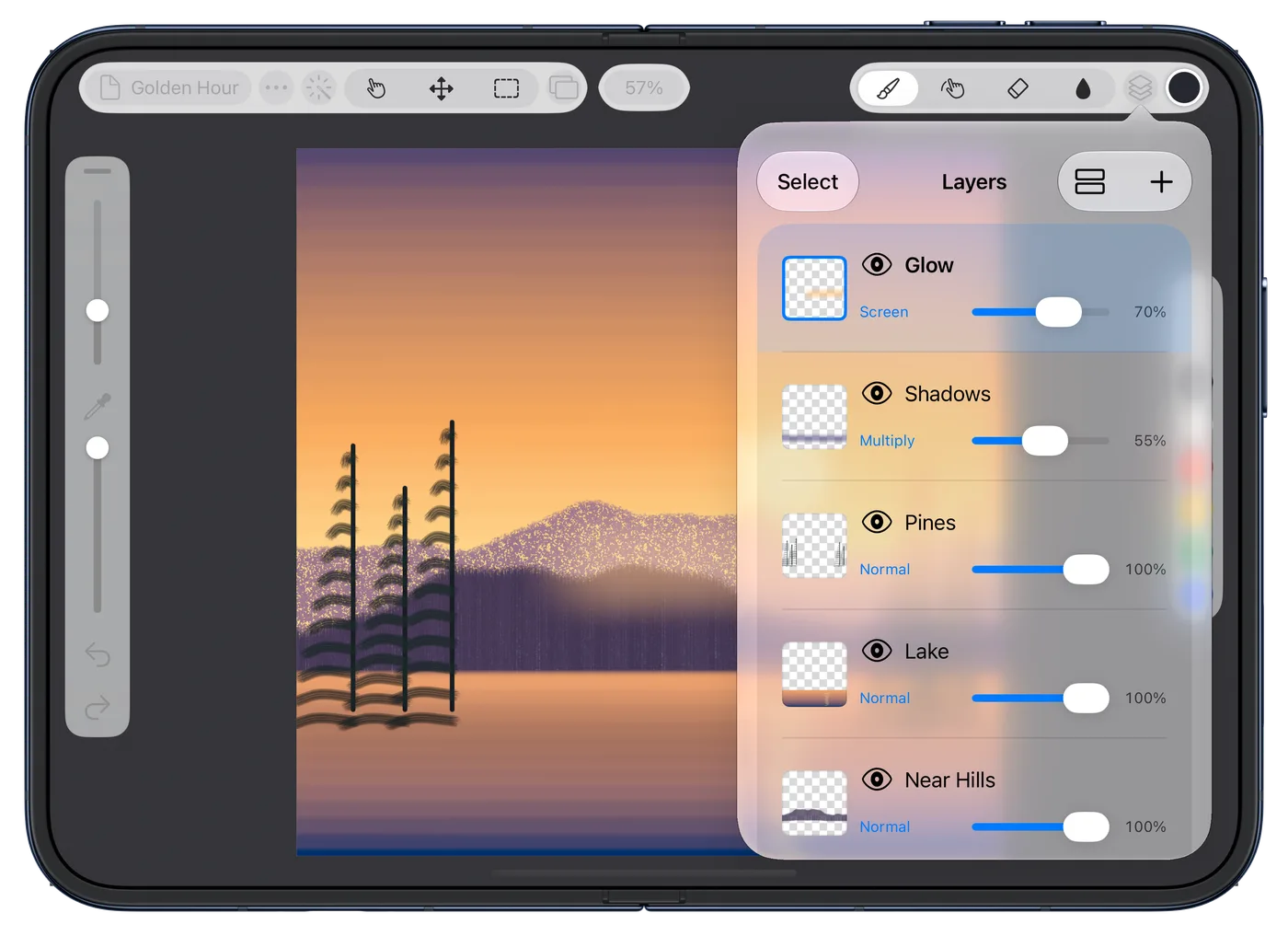
Your reference beside you
iPhone Duo brings Split View to iPhone for the first time1. Put Rindraw beside Safari or Photos and draw from what's next to it, or keep Rindraw's own Reference window over the canvas.
The whole app, not a pocket version
It's the app from iPad: layers with masks and adjustment layers, over 300 brushes, Procreate brushes and files, symmetry, animation, and painting on 3D models. And every stroke stays a stroke, so a line you sketch on the train can be recolored, bent or exported poster-size later.
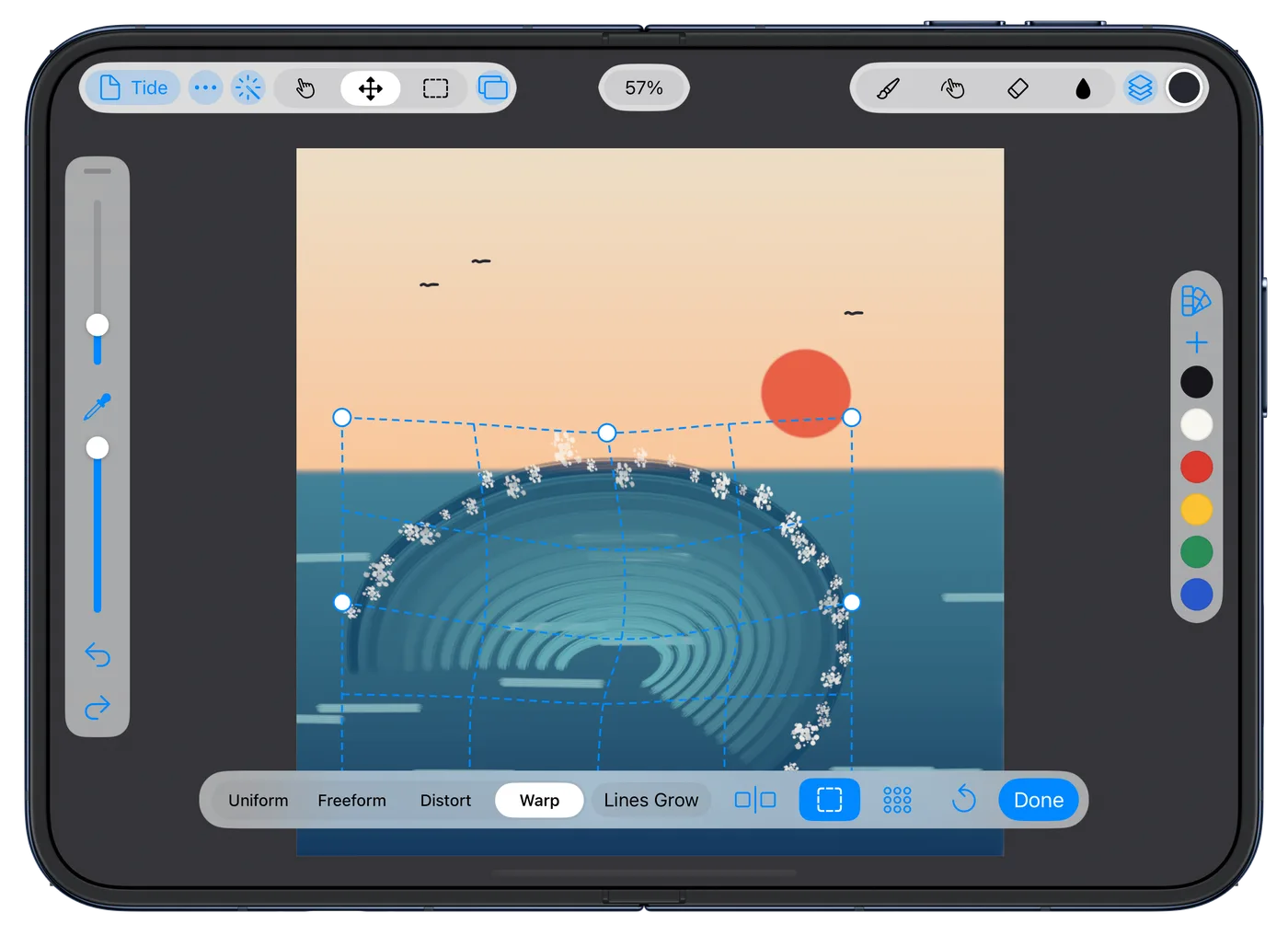
One purchase for iPhone Duo, iPad and Mac
$12.99 once in the US, with no subscription. With your library in iCloud Drive, a drawing you start on the phone is on your iPad and Mac too, with the same brushes and palettes. Procreate's iPhone app, Procreate Pocket, is a separate purchase from Procreate for iPad. How Rindraw and Procreate compare.
Questions
Does Rindraw work on iPhone Duo?
Yes. Rindraw lays itself out for both of iPhone Duo's screens, and changes from one to the other as you open and close the phone.
Can I use Apple Pencil with Rindraw on iPhone Duo?
Yes, with iOS 27.2 or later and Apple Pencil (USB-C), on both screens. That Pencil doesn't sense pressure, so Rindraw makes pressure from how fast you draw and how the Pencil is tilted.
Does Procreate work on iPhone Duo?
Procreate for iPad doesn't run on iPhone. Procreate's iPhone app is Procreate Pocket, a separate purchase. Rindraw is one app on iPhone Duo, iPad and Mac, and it opens your .procreate files and brushes.
Do I need to buy Rindraw again for iPhone Duo?
No. One $12.99 purchase covers iPhone, including iPhone Duo, as well as iPad and Mac.
Related guides
Works on any iPhone with iOS 16 or later. iPhone Duo comes with iOS 27.
Sources
- Apple unveils iPhone Duo, Apple Newsroom, September 9, 2026: a 7.6-inch inner display and a 5.4-inch outer one; Apple Pencil with USB-C support later this year, on either display; Split View on iPhone for the first time; pre-orders from October 16 and availability from October 23.
- iPhone Duo just got two new features in iOS 27.2, 9to5Mac, October 26, 2026: Apple Pencil (USB-C) support on both displays.


