 Rindraw
 for Mac
A drawing and painting app for Macs with Apple silicon. Draw with a pen tablet, a trackpad or a mouse, and change any line long after you drew it.
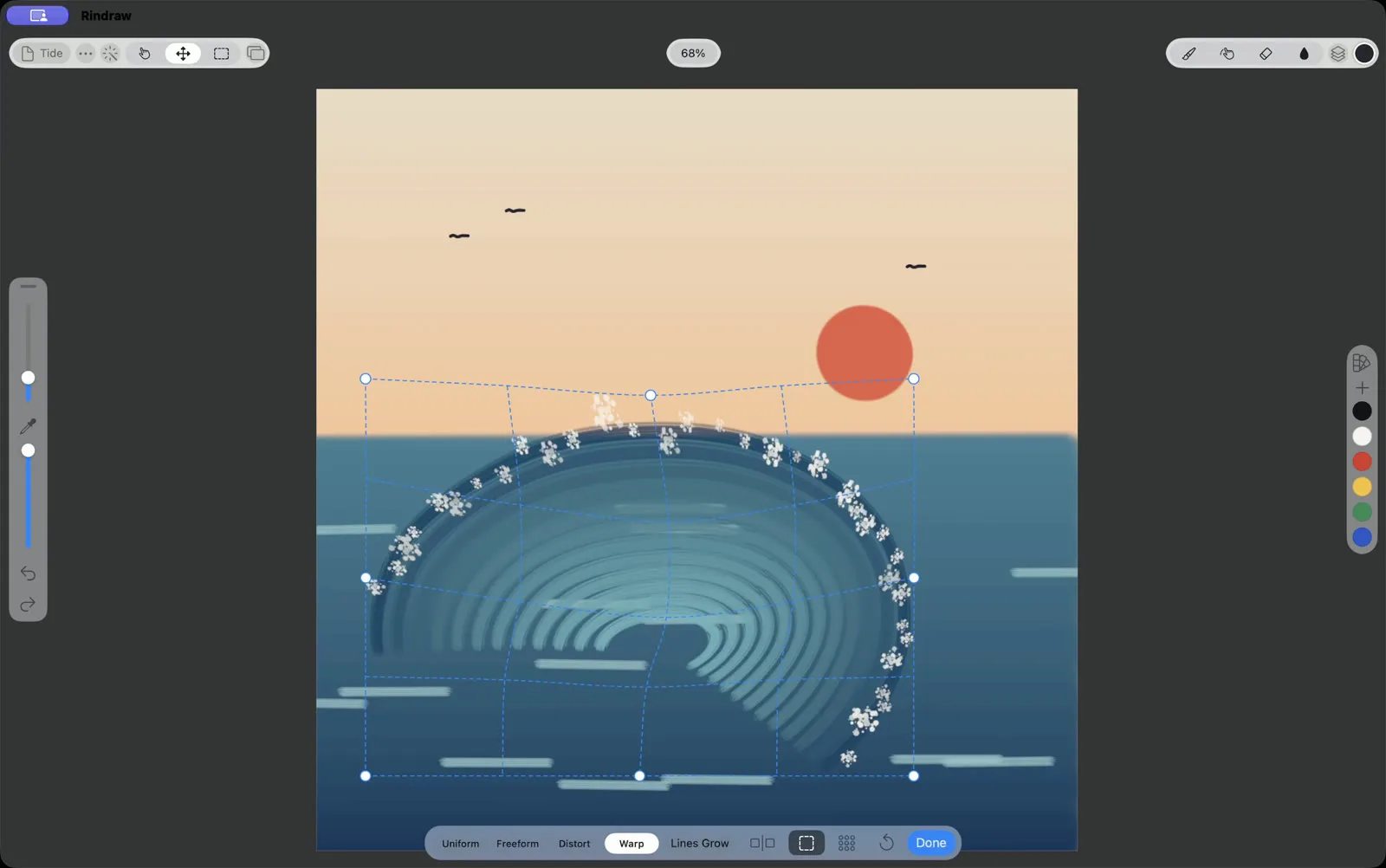
Draw with what's on your desk
- A pen tablet. Rindraw reads a Wacom, Huion or XP-Pen tablet's pressure and tilt, and its eraser end erases.
- A trackpad. Scroll with two fingers to move around the canvas, pinch to zoom, and rotate to turn it.
- A mouse. Good for lines, shapes and selections. Hold at the end of a line and it snaps into a straight line, an arc or an ellipse.
Every stroke stays a stroke
Most painting apps turn a stroke into pixels the moment you finish it. Rindraw keeps each stroke as the path you drew, with its pressure and tilt. Recolor finished lineart, bend a line with Warp, or export at poster size, and it's drawn again sharp instead of stretched.
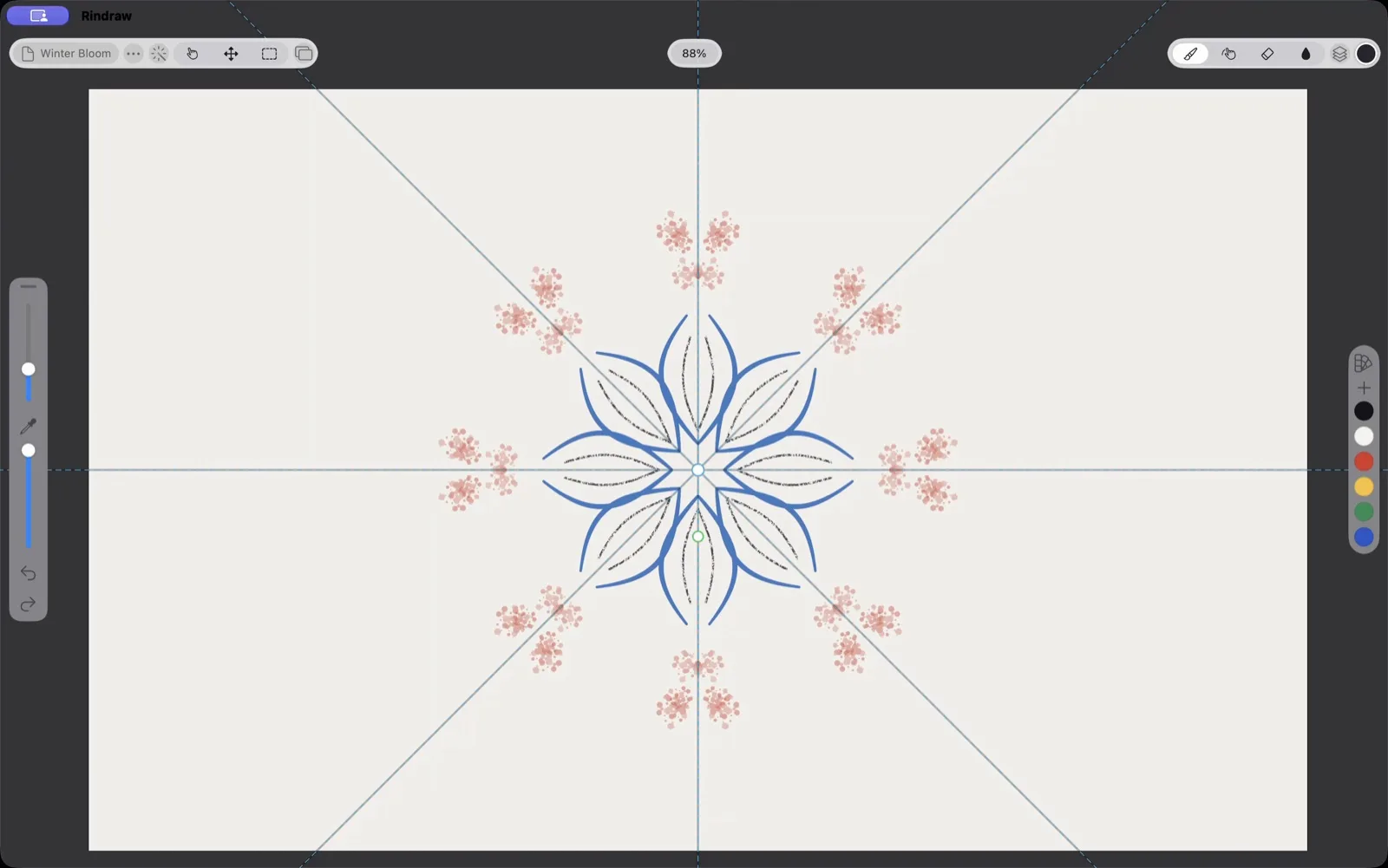
Made to use on a Mac
- Keyboard shortcuts you choose. Start from Procreate's set or Photoshop's, then give any action any key.
- Windows of their own. Open a reference drawing in one window and work in another.
- Files that leave as you need them. PNG, JPEG, HEIC, JPEG XL, 16-bit TIFF and layered PSD, with CMYK for print.
One purchase for Mac, iPad and iPhone
Rindraw is $12.99 once, with no subscription, and that covers all three. With your library in iCloud Drive, a drawing you start on the iPad is on your Mac when you sit down, with the same brushes and palettes.
Is there a Procreate for Mac?
Not yet. As of October 2026, Procreate runs only on iPad. Procreate has announced Procreate Mac, most likely in 2027 (their post). Until then, you can mirror an iPad's screen to a Mac with AirPlay, but the app is still running on the iPad. Sidecar works the other way, making the iPad a screen for the Mac. Rindraw runs on the Mac itself, and it opens your Procreate artworks, brushes and palettes. How Rindraw and Procreate compare, and how to bring your work over.
What you need
A Mac with Apple silicon (M1 or later) on macOS 13 Ventura or later. Rindraw doesn't run on Macs with Intel processors.
$12.99 once, for iPad, iPhone and Mac. No subscription.


